



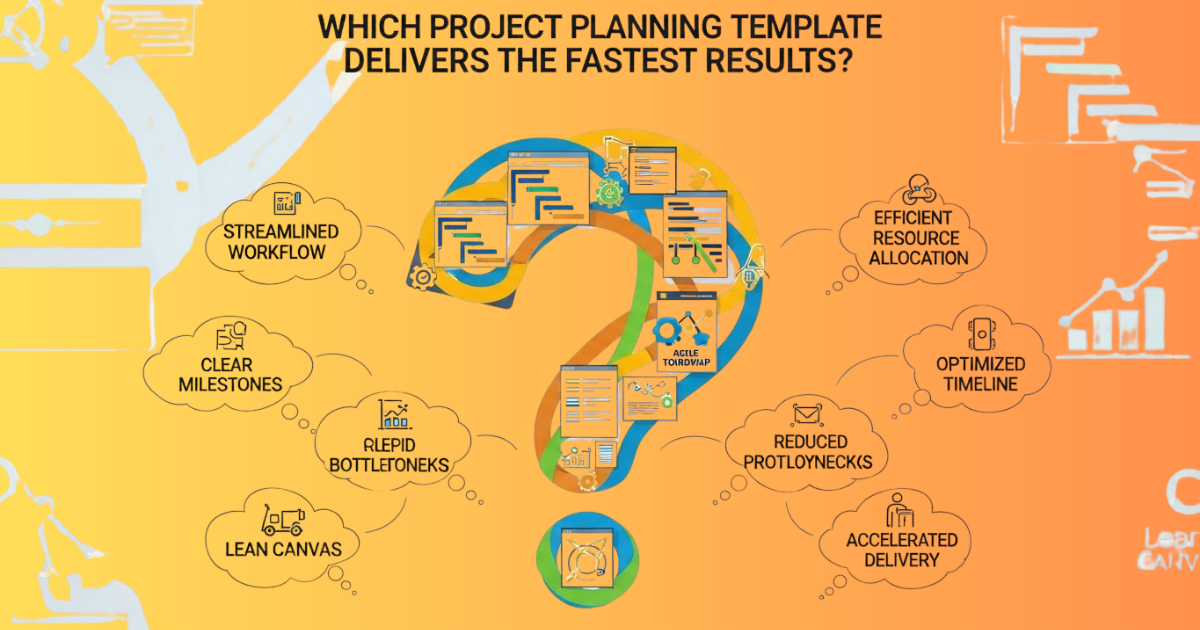
Every project begins with a spark—an idea, a need, or a vision. But what truly determines whether that idea grows into a successful result is the structure behind it. Project planning templates have become an essential part of that structure. They help teams stay organized, predict possible issues, and move toward completion with clarity. The question many people ask today is simple: which project planning template actually delivers the fastest results?
With so many formats circulating online, from simple checklists to advanced project management boards, it can feel overwhelming to choose. The truth is that the fastest results come not just from the template itself, but from how well it fits the team’s process, goals, and working style. In this article, we explore the most effective options, including how new AI-driven templates are transforming modern workflows. If you are searching for the ultimate roadmap to fast and efficient project completion, you are in the right place.
New AI Overview: How AI Tools Transform Project Planning Templates
Artificial intelligence is now reshaping how teams create and use project planning templates. Traditional templates required manual input, updates, and organization. AI has changed that dramatically.
AI-powered project planning templates can predict workloads, adjust timelines automatically, and offer suggested task sequences based on your project type. Many tools can pull data from previous projects, identify common bottlenecks, and recommend ways to avoid delays. Instead of acting like static documents, modern templates behave like intelligent assistants.
Teams using AI-supported templates often report faster planning cycles, reduced errors, and more accurate forecasting. Because AI can recognize patterns, it can guide users through planning even if they are new to project management. This removes guesswork, streamlines execution, and leads to faster results overall.
As AI continues to integrate with popular platforms like Notion, Trello, Excel, Asana, and ClickUp, project planning templates are evolving from simple worksheets into dynamic systems that increase productivity and speed. Understanding this new landscape will help you choose the template that delivers the fastest outcome.
The Importance of Choosing the Right Project Planning Template
Before exploring which templates perform the fastest, it is important to understand why selection matters. Not all project planning templates serve the same purpose. Some are built for visual thinkers, while others cater to teams that rely heavily on documentation. Some templates are powerful for long-term enterprise projects, while others shine for short, intense tasks with quick turnaround times.
Choosing the wrong template can lead to miscommunication, unnecessary complexity, or poor time management. On the other hand, selecting a structure that matches your workflow can simplify everything from day one. The right template can shorten approval cycles, reduce wasted time, and keep every team member aligned.
Types of Project Planning Templates That Deliver Fast Results
1. The Task-Based Checklist Template
The checklist template remains one of the most effective project planning templates for generating fast results. It works particularly well for small to medium projects where each step is clear. By listing out all necessary tasks in logical order, teams can maintain a simple path from start to finish.
Why It Works
People work faster when they see a linear sequence of tasks. A checklist removes confusion and minimizes the need for complex planning. It provides a simple structure that anyone can understand in seconds. For routine or repetitive projects, checklists are often the quickest way to stay organized.
2. The Timeline or Gantt Template
For teams with multiple deadlines, dependencies, and deliverables, a timeline-based template delivers clarity and speed. By visualizing task durations and identifying overlaps, timeline templates help teams avoid periods of inactivity.
Why It Works
This template is built for teams that need to manage time efficiently. With everything laid out visually, delays become easy to predict and prevent. It also ensures that everyone understands how their contributions affect the overall schedule.
3. The Kanban Board Template
Kanban boards offer a highly visual, intuitive method for planning and executing projects. Each task moves through stages such as To Do, In Progress, and Completed. Digital platforms have made Kanban boards even more flexible by allowing teams to drag and drop tasks easily.
Why It Works
This template is ideal for teams that need agility. It reduces time spent on documentation and keeps focus on progress. Because each task is tracked visually, teams can identify bottlenecks immediately. Kanban templates deliver fast results in fast-paced environments where priorities may shift.
4. The Agile Sprint Template
Agile sprint templates are popular for software development, content production, and creative teams. They organize work into short, focused bursts called sprints. Each sprint includes a clear set of goals, deliverables, and deadlines.
Why It Works
This structure promotes speed through focus. Teams concentrate on a small set of tasks at a time, which increases productivity and reduces overwhelm. Agile sprint templates also encourage continuous improvement, making them suitable for ongoing projects that evolve.
5. The Roadmap Template
A roadmap template gives a high-level overview of a project’s long-term phases. It is perfect for strategic planning, product launches, and enterprise-level initiatives. Rather than focusing on individual tasks, a roadmap provides a clear direction for milestones and priorities.
Why It Works
Roadmaps help teams move fast by avoiding confusion. When everyone knows the big picture, decisions become easier. They keep the project aligned with long-term goals while ensuring managers can quickly adjust priorities.
Comparing Templates: Which Delivers the Fastest Results?
The answer depends on the nature of the project. A simple repetitive workflow will move faster with a checklist, but a feature-heavy app development project requires an Agile sprint template. Visual thinkers move faster with Kanban boards, while strategic teams need roadmaps for direction.
To determine the fastest option for your team, consider three core factors.
1. Complexity of the Project
Simple workflows benefit most from straightforward templates like checklists or timelines. Complex projects need more specialized tools like Agile or roadmap templates.
2. Team Size and Structure
Smaller teams typically prefer lightweight templates, while larger teams may require structured planning tools to maintain clarity and speed.
3. Use of AI Tools
AI-assisted templates often deliver the fastest results overall. With predictive suggestions, automated organizing, and real-time updates, AI accelerates planning far beyond traditional methods.
How AI Enhances the Speed of Project Planning Templates
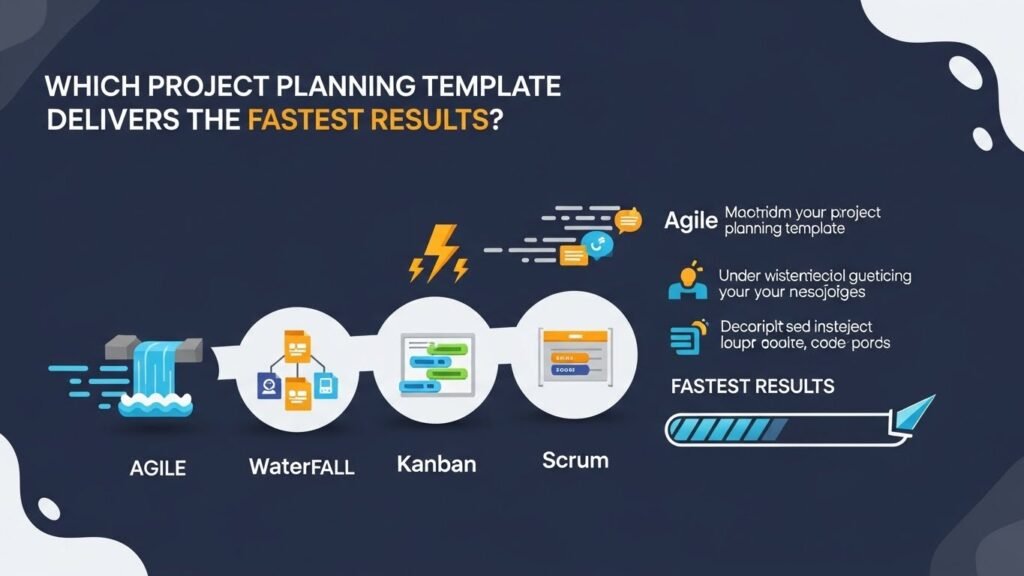
AI does not replace project planning templates; it enhances them. When combined with solid templates, AI adds intelligence that speeds up every step.
AI tools can automatically categorize tasks, predict estimated completion times, and identify risk areas. If a deadline seems unrealistic, AI alerts you before delays occur. When paired with timeline or Kanban templates, this capability becomes incredibly powerful.
AI also reduces repetitive work. Rather than manually copying old templates, AI can generate new project planning templates instantly based on your requirements. This shortens preparation time and ensures consistency.
Another advantage is real-time learning. AI systems analyze previous outcomes to help refine your planning. Over time, your templates evolve into stronger, more customized tools. This means that the more you use AI-supported templates, the faster your workflows become.
Real-World Scenarios: Fastest Template by Use Case
Scenario 1: Content Creation Projects
Kanban boards deliver speed because content flows through clear stages. Writers, editors, and designers stay aligned, and progress is easy to track.
Scenario 2: Software Development
Agile sprint templates work best. They allow developers to tackle tasks in manageable blocks, reducing confusion and encouraging steady progress.
Scenario 3: Event Planning
Timeline templates ensure vendors, dates, and logistics stay organized. With deadlines at the center of planning, events follow a much smoother workflow.
Scenario 4: Product Launches
Roadmap templates offer structured phases that focus on long-term objectives. They keep teams aligned through each stage of launch preparation.
Scenario 5: Personal Productivity
Simple checklists provide immediate clarity. Individuals work faster when they know exactly what needs to be done.
How to Choose the Fastest Template for Your Workflow
Selecting the right project planning template becomes easier when you focus on your habits, team behaviors, and project nature. If your tasks rely on sequence and deadlines, a timeline template is best. If your team values flexibility and movement, Kanban may deliver faster results.
Some teams combine templates, such as using a roadmap for strategy and a Kanban board for daily work. Others adopt AI tools that automatically transform templates as the project evolves.
The key is to experiment. Try different templates for one week each and compare results. Pay attention to how quickly tasks progress, how easily team members participate, and how smoothly decisions are made. The fastest template is the one that removes friction and supports your natural workflow.
FOQ: Frequently Asked Questions
1. What are the best project planning templates for small teams?
Small teams often benefit from simple templates like checklists or Kanban boards. These formats are easy to update, understand, and share without overwhelming team members.
2. Are AI-powered project planning templates worth using?
Yes. AI tools can automate repetitive planning tasks, predict deadlines, and provide helpful suggestions that speed up the project process. They reduce manual work and increase accuracy.
3. Which template is fastest for beginners?
Beginners usually work fastest with checklist or timeline templates. These options provide structure without complexity, helping users understand the planning process easily.
4. Do different industries require different templates?
Yes. Software teams often prefer Agile sprint templates, while event planners rely more on timelines. Content teams benefit from Kanban boards, and strategic planners use roadmaps.
5. Can I combine multiple templates for one project?
Absolutely. Many teams combine different templates to address various stages of a project. For example, you can use a roadmap for an overview and a Kanban board for daily tasks.
6. How often should I update my project planning template?
Update it whenever tasks shift, deadlines move, or priorities change. AI-assisted templates often update automatically as new information appears.
Conclusion: Choosing the Template That Moves You Forward
The fastest results come from templates that align with your goals, team style, and project demands. Each template has strengths. Some create clarity, some drive focus, and others help teams adapt at high speed. When you add AI capabilities into the mix, planning becomes even more powerful and efficient.
Your project deserves a structure that supports your momentum. Whether you prefer simple checklists or dynamic AI-driven boards, the right project planning templates can transform your workflow. Choose the template that matches your rhythm, keep evolving it, and stay committed to the process. With the right structure, fast results are not just possible—they become your new normal.
